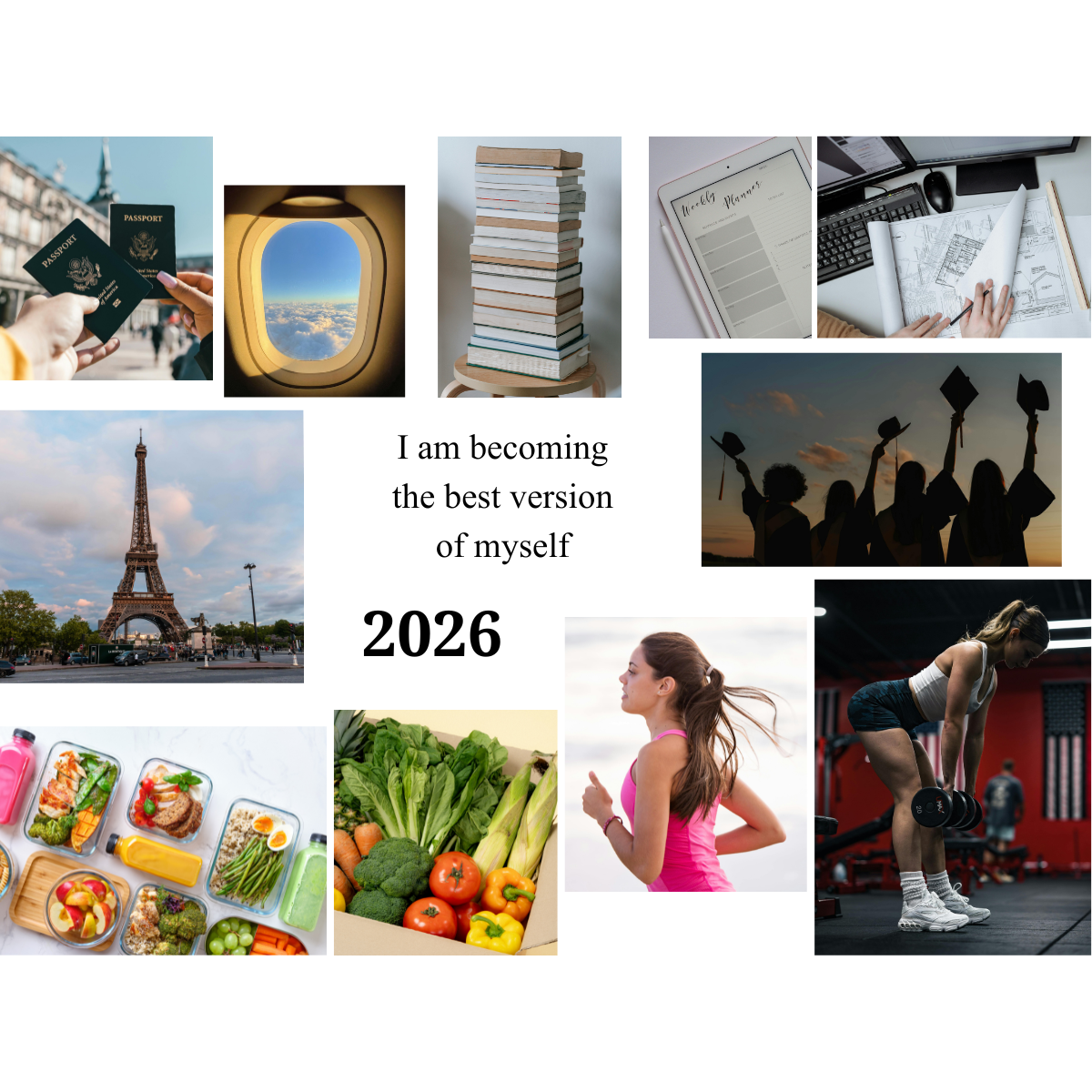
The purpose of a vision board is to create your dream life. To visualize your goals and keep a clear oversight over them, to inspire and motivate you. It helps you stay disciplined and on track in a fun way.
I‘ve prepared a step-by-step if you’d like some guidance, or don’t know where to start.
1. Purpose
First, you need to think about what kind of vision board you want, there are many different versions to create.
-> Topic
Vision boards can be generic or for a specific topic (health & exercising, school & academic success, career, love life & dream partner…).
-> Timeless or for a certain period
They can be timeless or for a certain period (this year, the next 3 months, the next 5 years…).
-> Form
You can do it digital or on paper, whichever form you prefer. For some people it’s more fun on paper, but digital is the better option if you want to use it as your phone screen or laptop wallpaper.
2. Content
The second thing to think about, is what you want to put on it – which subjects, what kind of pictures (self improvement goals, materialistic things, experiences, bucket list items…).
I always write everything down, it helps me get a clear overview and decide on which size to chose for the board. Take your time with this step, adjust and add to it as you go.
Some prompts to help you:
What are your goals?
What do you want at this point in life?
What do you want more of?
What do you want to change?
What do you want to improve? / How do you want to improve yourself?
What do you want to experience (this year)?
What do you want your life to feel like?
3. Find Pictures
Now that you‘re clear about the topics you want, you can start looking for pictures you like. This step is the most fun!! You can look through magazines or use platforms like Pinterest, Google, Social media, stock photo sites…
4. Create the board
Now you can create your board:)
If you want to do your board on paper, you need your pictures, a printer or a copy shop to print them, paper or a cardboard (I prefer bigger boards, like A3), scissors and glue.
If you want to do them digitally, you need your pictures and a platform (I always use Canva). You can print out the digital version as well, some platforms even offer a printing service.
This last method is what I always do, because I like using my board as my laptop wallpaper and having an identical, physical version to hang on my wall.
I wish for all your dreams to come true and I hope you have fun creating your board.✨